Blog · Automate Everything
Home / Automate Everything / August 4, 2026 · 5 min read

Competitor Price Monitoring for Online Shops | Anthropos

How Automated Competitor Price Monitoring Works for Online Shops

You run a Shopify store and you check three rival sites every morning, copying prices into a spreadsheet before your first coffee. By the time you finish, a competitor has already dropped a price and stolen the sale. This is the daily grind competitor price monitoring for online shops is meant to end. This guide explains how automation does the watching for you, so you can spend your hours on products and customers instead of manual admin.

A quick, honest note first. We were unable to pull fresh, verified statistics for this article, so we will not invent numbers, tool names, or citations. Instead, this piece explains how the systems work in plain terms. Treat it as a working overview, not a stat-backed report.

The Real Problem With Manual Price Checking

Most small shop owners track competitors by hand. You open a few tabs, scan product pages, and note who is cheaper. It feels productive. It is not.

Here is why manual checking quietly costs you money:

  • It is always out of date. Prices change during the day. Your morning snapshot is stale by lunch.
  • It does not scale. Tracking 5 products across 3 rivals is possible. Tracking 500 products across 10 rivals is not.
  • It steals your best hours. Admin like this eats the time you should spend on marketing, sourcing, and customers.

The core pain is not that you lack data. It is that gathering it by hand is slow, and slow response loses sales. Automation exists to remove that manual step entirely.
A tired small shop owner at a desk early morning, surrounded by multiple browser tabs and a spreadsheet of com

How Automated Price Monitoring Actually Works

Strip away the jargon and the process is simple. An automated system repeats the exact steps you do by hand, but constantly and without tiring.

  1. You define what to watch. You list your products and match them to the competitor pages that sell the same or similar items.
  2. The system collects prices. On a set schedule, it visits those pages and reads the current price, stock status, and sometimes shipping cost.
  3. It compares against your prices. The tool lines up each rival price next to yours and flags gaps.
  4. It alerts you or acts. You get a notification, or the system updates your own price within rules you set.

The key word is rules. You stay in control. You might tell the system: never go below cost, always stay within a small margin of the lowest rival, or simply alert me when someone undercuts me by more than a set amount. The machine follows your logic; it does not guess.
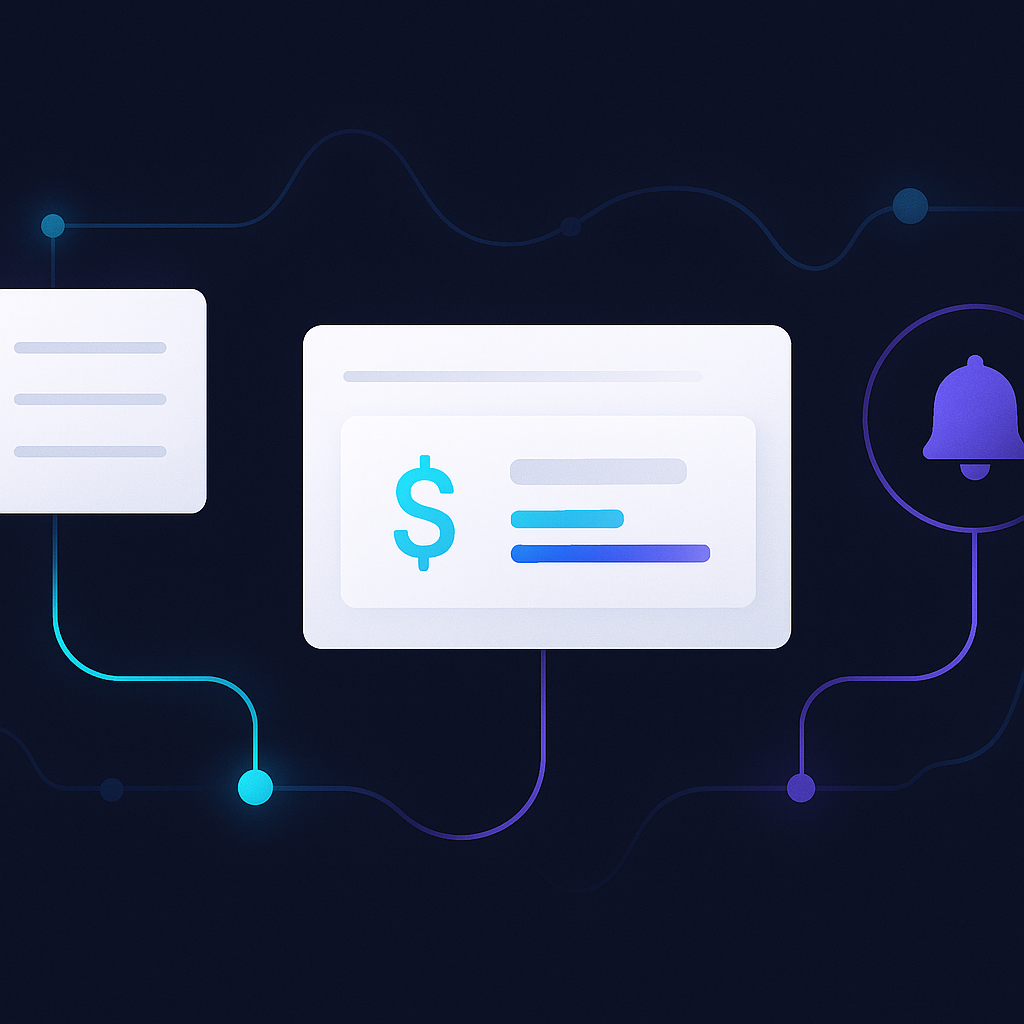
A clean flat-lay diagram showing an automated pipeline: product list, competitor pages, price comparison, and

What You Can Automate Beyond the Price

Price monitoring rarely lives alone. Once data flows in automatically, the same setup can drive other repetitive tasks. That is the point of a whole-business approach: connect the pieces so one trigger handles the follow-through.

  • Repricing rules. When a competitor drops a price, your listing can adjust inside safe limits you approve.
  • Stock and availability signals. If a rival sells out, that may be your moment to hold or raise price, and the system can surface it.
  • Reporting. Instead of building a weekly spreadsheet, you receive a clean summary of where you sit against the market.
  • Alerts to the right person. The system pings whoever owns pricing, so nothing waits in an inbox.

Each of these is a task you already do by hand. Automating them frees the same hours you now lose to admin, which is exactly the problem small shop owners feel most.
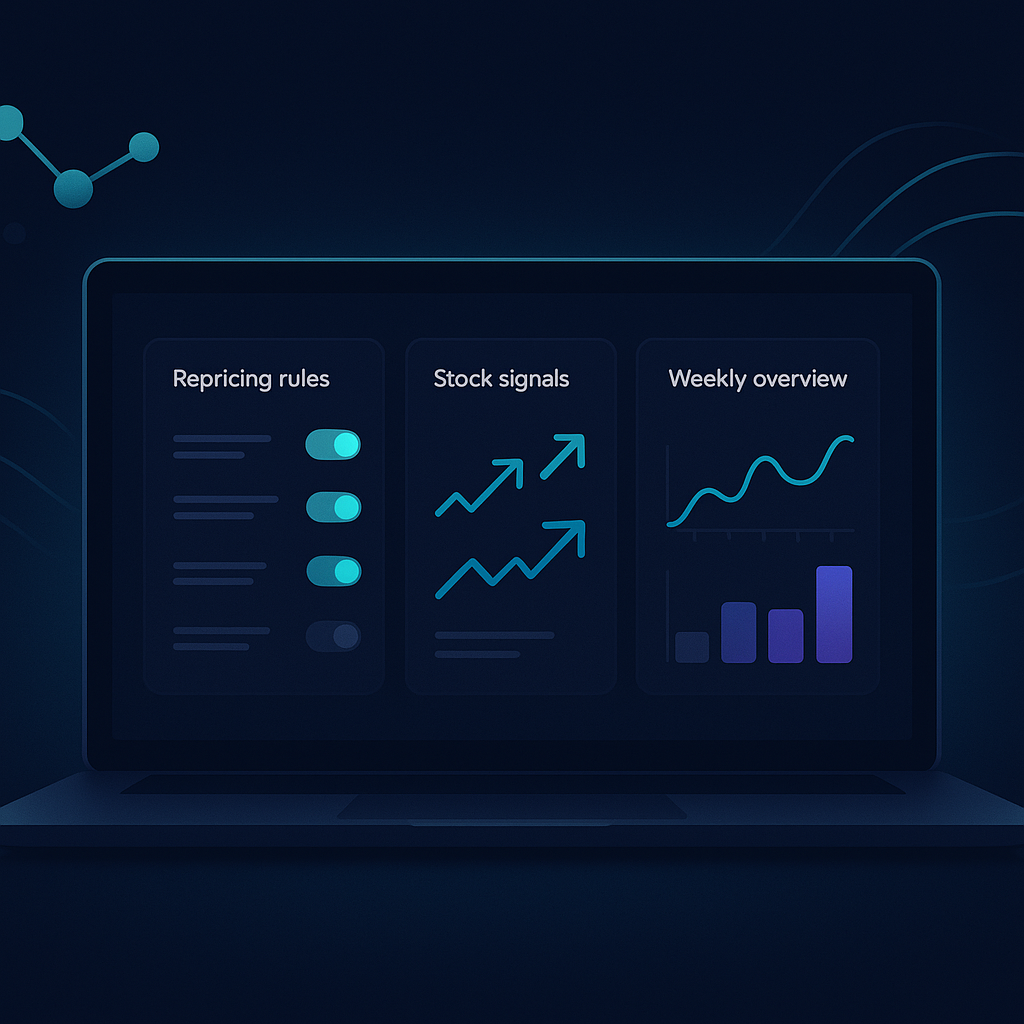
A dashboard interface showing repricing rules, stock signals, and a weekly market summary report on a laptop s

Choosing an Approach That Fits a Small Shop

You do not need an in-house tech team to run this. That is the biggest myth stopping small owners from starting. Two broad paths exist.

Off-the-shelf tools. Many platforms offer price-tracking as a subscription. They are quick to switch on, but you configure and maintain them yourself, and they may not connect to the rest of your workflow.

Done-for-you automation. Someone builds the system around your actual store, your products, and your rules, then keeps it running. This suits owners who have no time and no technical staff, because the setup and upkeep are handled for you.

A sensible way to begin, whichever path you pick:

  • Start with your top 20 products by revenue, not your whole catalogue.
  • Pick 2 or 3 genuine competitors, not everyone who sells anything similar.
  • Set clear repricing rules before you automate anything, so the system never makes a decision you would not.
  • Review the results weekly for the first month, then trust the process.

Start small, prove it works on your best sellers, then widen the net.
A calm small business owner reviewing a simple pricing dashboard on a tablet, relaxed and confident, bright mo

Bringing It Together

Manual price checking is a tax on your day. It is repetitive, easily outdated, and it pulls you away from the work that grows your shop. Automated competitor price monitoring for online shops removes that tax. It watches the market, applies your rules, and hands you clean information or acts within limits you set. The result is faster response, fewer lost sales, and hours returned to you.

If you want to stop copying prices into spreadsheets and let a system handle the watching, that is exactly the kind of whole-business automation we build.

Ready to see this working in your business?

See how we can automate price monitoring for your shop

Want this working in your Automate Everything?

Book a free, no-obligation consultation, answer a few quick questions and we map exactly where you are losing clients, then show you the fix.

Get the next guide in your inbox

Plain-language automation guides for busy business owners. No spam, unsubscribe any time.

By subscribing you agree to our privacy policy. Unsubscribe any time.
FAQ · straight answers

Questions we hear every week

Ten honest answers before you book. Want more? See the full FAQ.

How fast can you build my complete automation system?

Most complete systems go live in about four weeks, and a single piece, just a website, or just lead-and-follow-up automation, can be live in one to two. The four weeks break into clear stages: a discovery week where we map exactly where your leads and revenue leak; a build week for the website and its content; a wiring week where the automation is connected on n8n to the tools you already use; and a launch week where every workflow is tested end to end before it ever touches a real customer. You review and approve at each stage, so nothing goes live that you haven't seen first. After the initial call you get an exact timeline for your specific setup, never a vague it-depends.

Do I own everything, or am I locked into your platform?

You own all of it, permanently. Every website, workflow, email sequence and automation is built inside your own accounts, your domain, your n8n instance, your CRM, your email platform, then handed over with full documentation at the end. There is no proprietary system you have to keep paying us to access, and no contract that traps you: if you ever want to move the work in-house or to another provider, everything goes with you. Ongoing support and new automations are available if you want them, but they are always optional and month-to-month, never a lock-in.

What does it cost to work with you?

Every business is different, so we do not publish fixed prices that would be wrong for half the people reading them. Instead, we look at your actual situation on a free consultation, agree the exact scope with you, and walk you through precisely what is involved, no hourly meter, no surprise invoices, and no pressure to decide on the spot. If you are weighing it up, the fastest way to a real answer is to book that free call and talk it through with an expert. You will leave knowing exactly what your business needs, with zero obligation.

Do I need any technical skills to run the system?

No, the whole point is that you do not become the IT department. We set everything up, connect it to your existing tools, and hand it over with a short plain-language walkthrough and written documentation. Day to day, your only real job is to approve things: a drafted social post, a new lead that arrived, a monthly report. The AI agents and n8n workflows quietly move data between your inbox, calendar, CRM and website in the background, and whenever you want to change something, we show you exactly where to click.

Which tools do you connect, and will I have to replace mine?

We connect the tools you already pay for rather than forcing a rip-and-replace, because migration is where most automation projects stall. In practice that means your website, n8n as the connective layer, and whatever you already use for email, CRM, calendar, booking, invoicing or your store, Shopify, HubSpot, Klaviyo, Google Calendar, common inboxes and many others. If a tool can send or receive data, it can almost always be wired in. On the rare occasion something genuinely cannot connect, we tell you before any work starts, along with the simplest alternative.

Will the automation feel robotic or impersonal to my customers?

It should not, and if it does then we have built it wrong. The goal is that a customer feels attended to faster than before, an instant, on-brand reply that carries your credentials and answers their actual question, not that they are obviously talking to a bot. Anything an AI agent drafts (a reply, a social post, a follow-up) can run through an approval step until its voice consistently matches yours, and the sensitive human moments always stay human. Done well, customers simply notice that you got back to them quickly and that nothing slipped through the cracks.

Is my data safe, and is everything GDPR-compliant?

Yes. We build on EU-hosted, consent-based tools and only move the data a workflow actually needs, rather than copying everything everywhere. Marketing consent, unsubscribe handling and data retention are set up correctly from the start, and you keep full ownership and control of every account. For medical, therapy and other regulated work there is a hard boundary we never cross: we build the marketing and new-enquiry layer only, and never touch patient portals, booking systems, intake forms or any records that fall under HIPAA-style or clinical-data rules, those stay entirely inside your own practice software.

What if I only need one thing, like a new website?

That is completely fine, and often the smartest way to start. Each of the five offers stands on its own, so you can take just the website redesign, just the lead-and-follow-up automation, or just the social layer, and add the others whenever you are ready. Because every piece is built to plug into the same system, nothing has to be rebuilt later, the website you buy today already has lead-capture wired to feed automation you might add next year. We will recommend the single highest-impact starting point for your situation, but the choice and the pace are always yours.

Do you write the content, or do I have to supply it?

We launch using the information, credentials, testimonials and proof you already have, and we structure and write the site copy, sequences and pages around it so it reads well and gets found. What we do not do is invent facts, fake reviews or unverifiable statistics on your behalf, your real proof is what builds trust, and that is what we work with. Ongoing content help (new guides, campaigns, social posts) is available as an option if you would rather not write it yourself, but it is never required to get the system live and working.

What happens after the system launches?

Launch is a handover, not an exit. You receive documentation for every workflow, a walkthrough of how it runs, and reporting that shows in plain language what is actually working, which channel produces enquiries, how fast leads are answered, what converted. From there you can run it entirely yourself, or keep us on an optional month-to-month basis for monitoring, tweaks and new automations as the business grows. Because you own everything, you are never stuck: support is there if you want it and gone the moment you do not.

Tell us where you are stuck

Book a free consultation

It starts with a quick, tick-box questionnaire, about two minutes. That is how we make sure the call is genuinely worth your time. Then you pick a slot in your own timezone.