You run a Shopify store or a small retail brand, and you spent last weekend clicking through five competitor sites, screenshotting their sale banners into a messy spreadsheet. By the time you finished, two of them had already changed their offers. Ecommerce competitor promotions monitoring is supposed to protect your margins, but done by hand it just steals your evenings. This guide shows how to do it without a tech team and without living in a spreadsheet.
A quick honesty note before we start. This piece is grounded in limited verified research, so we will not throw fake statistics at you. We name one confirmed tool, explain how monitoring actually works, and show where automation earns its keep. Where we do not have a hard number, we say so.
Why Manual Promo Tracking Quietly Costs You Sales
When a competitor drops a 20% flash sale and you find out three days late, you have already lost the shoppers who were comparing. This is the real problem for E-Commerce & Retail owners: the admin never ends, and by the time you react, the moment is gone.
Manual monitoring fails for three reasons:
- It is slow. You check when you remember, not when prices change.
- It is incomplete. You watch two or three rivals, not the full field.
- It is fragile. One busy week and the spreadsheet goes stale.
The goal is not to obsess over every competitor. The goal is to know, quickly, when an offer changes enough to matter — so you can respond before the sale walks out the door.
What “Monitoring” Should Actually Track
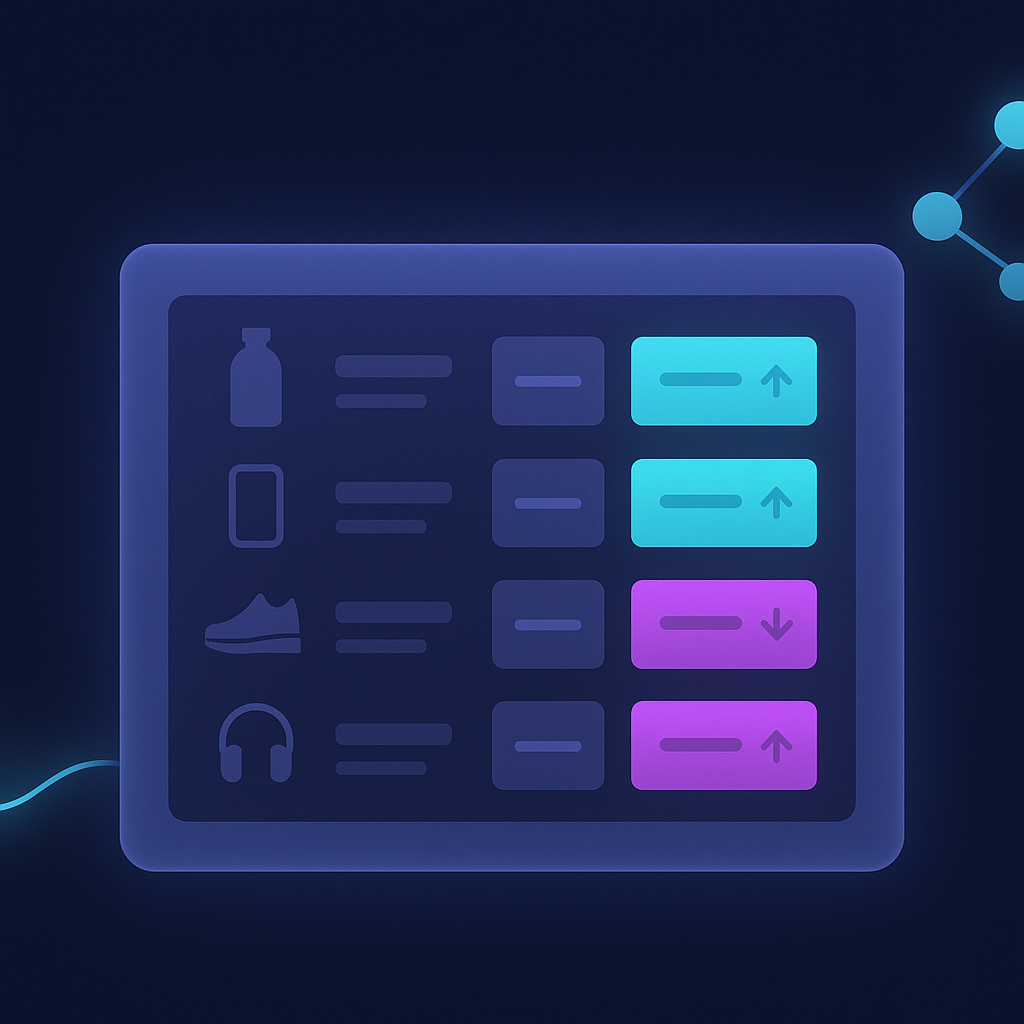
Promotions are more than the sticker price. Start by defining what you watch, so you are not drowning in noise.
Track these signals for your top-selling products:
- Base price changes on matching or near-matching items.
- Active discounts and coupon codes on competitor landing pages.
- Bundle and free-shipping offers, which hide the true price.
- Timing patterns — do rivals always run sales at month-end or on paydays?
Pick a small set of “battleground” products where you compete head to head. Watching 20 core SKUs well beats watching 2,000 badly. This keeps the work focused and makes the alerts you get genuinely useful.

Tools That Do the Watching For You
You do not need to build anything. Dedicated platforms already crawl competitor sites and repricing feeds for you.
From verified research, one such tool is Pricefy (pricefy.io), which describes itself as a competitor price monitoring and repricing platform. Per its own site, it offers real-time competitor price tracking, AI product matching, dynamic repricing, and product feeds across hundreds of channels, with a free plan and a claim of 10,000+ ecommerce businesses served.
We are citing that as a vendor claim, not an independent stat — treat it as a starting point, not gospel. There are other named tools in this category worth comparing before you commit. The pattern to look for is the same across all of them:
- Automatic, scheduled checks instead of manual visits.
- Product matching so you compare like for like.
- Alerts when a competitor changes an offer.
- Optional repricing rules if you want to react automatically.
Start on a free or low tier, connect your top SKUs, and see whether the alerts actually change your decisions before you pay for more.
Turning Alerts Into Action Without More Admin
Here is where whole-business automation matters. A monitoring tool that just emails you 40 alerts a day recreates the spreadsheet problem in a new inbox. The point is to automate everything around the monitoring, not just the watching.
A practical setup looks like this:
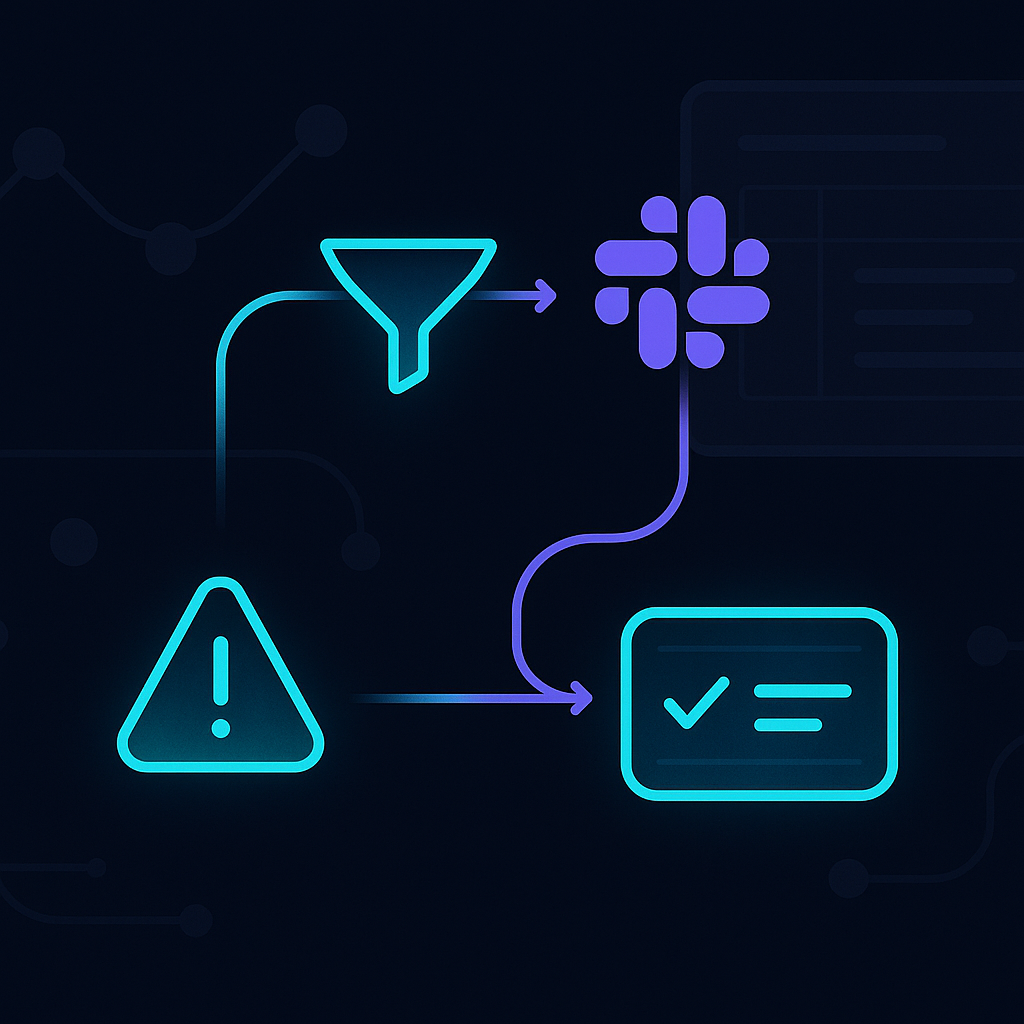
- Filter alerts so only meaningful changes reach you — say, a rival dropping below your price on a core product.
- Route them to the right place: a Slack channel, a shared sheet, or a task for whoever handles pricing.
- Log the response automatically so you can see later what worked.
The promise is simple: your business watches the market for you, and you only step in for decisions that need a human. That is the difference between a tool and a system. A tool tells you what happened. A well-built automation tells you what happened, decides if it matters, and hands you a clear next step.
If this sounds useful but you have no in-house tech team, that is exactly the gap done-for-you automation fills. You get the monitoring, the filtering, and the routing set up once — then it runs quietly in the background while you get your weekends back.
Start small. Pick your 20 battleground products, try one monitoring tool on its free tier, and set a single alert rule this week. See what changes. Then decide whether to automate the whole loop.
Ready to see this working in your business?
See how done-for-you automation can monitor your market for you