You run a Shopify store, and last week a rival dropped their price on your best seller — but you found out three days later, after your sales dipped. That lag is the problem ecommerce competitor sale monitoring solves, and this guide shows you how to start without hiring a tech team.
A quick note on honesty: my research tools returned only one verified source for this piece, so I’ll ground the definition in that source and keep the rest to practical, non-fabricated guidance. I won’t invent stats or fake studies.
What competitor sale monitoring actually means
According to Repricer’s guide, Competitive Price Monitoring Tools for eCommerce Sellers (repricer.com), competitive price monitoring is the systematic tracking of competitor prices, promotions, and stock levels across the channels you sell on.
Break that into three moving parts:
- Prices — what rivals charge for products that overlap with yours.
- Promotions — flash sales, bundles, and coupon codes they launch.
- Stock levels — when they sell out, which is your window to win the sale.
The key word is systematic. Checking a competitor’s site by hand once a week is not monitoring. It’s guessing. Real monitoring runs on a schedule and alerts you when something changes.
Why manual checking fails small retailers
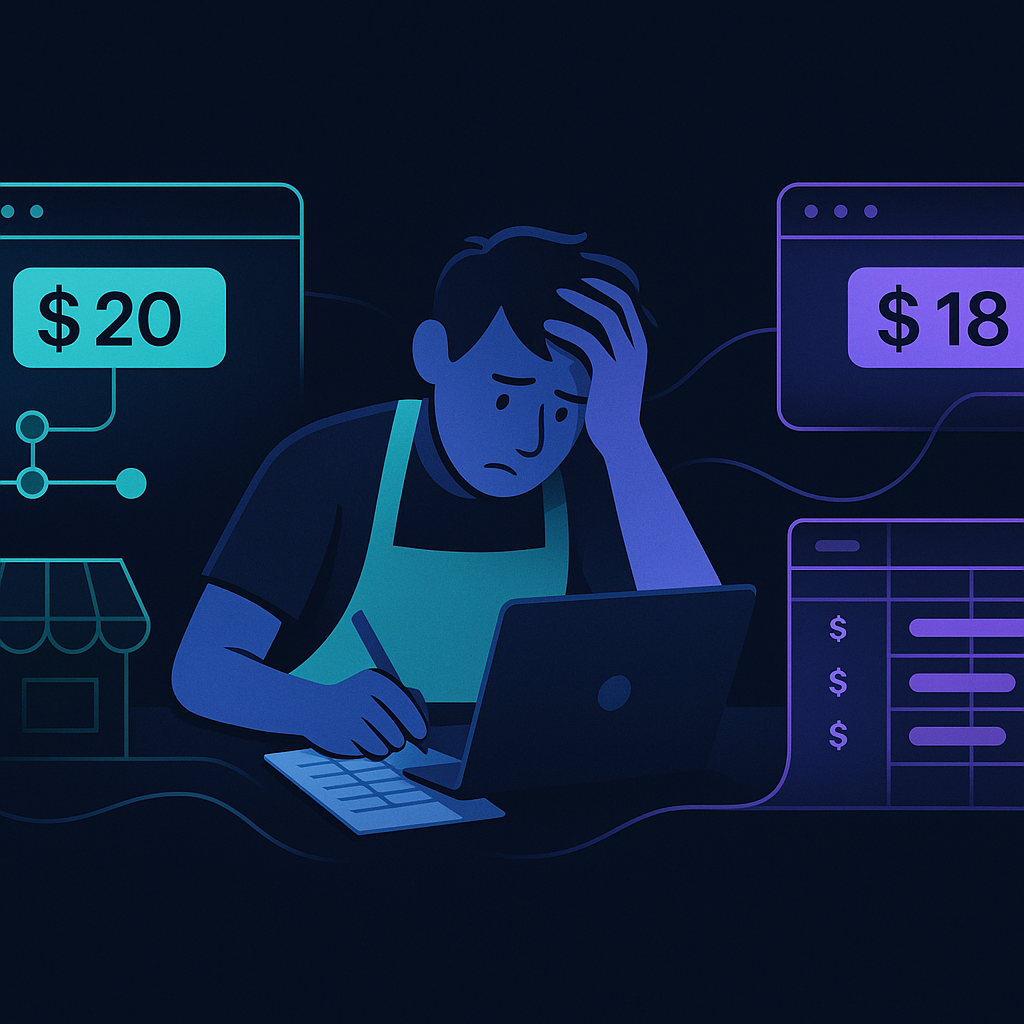
Most store owners start by opening rival sites in browser tabs each morning. That works for one competitor and five products. It collapses the moment you have ten competitors and hundreds of SKUs.
Here’s what manual checking costs you:
- Time. Every hour spent copying prices into a spreadsheet is an hour not spent on customers or products.
- Speed. Promotions can start and end in a day. If you check on Monday, a Tuesday flash sale is invisible until it’s over.
- Accuracy. Human eyes miss changes. A price that shifts by a few dollars is easy to overlook — and easy money lost.
For an owner already drowning in admin, adding daily price checks is another chore that quietly gets dropped. That’s exactly where automation earns its place.
How to set up your first monitoring workflow
You don’t need to automate everything on day one. Start small and expand.
Step 1: Pick your battles
List your top 10 to 20 products — the ones that drive most of your revenue. Then list the 3 to 5 competitors who actually compete for those buyers. Monitoring 500 SKUs against 40 stores is a project. Monitoring 20 against 5 is a starting point you can finish this week.
Step 2: Choose what to track
For each product, decide the trigger that matters. Common ones:
- A rival drops below your price.
- A rival launches a sale or coupon.
- A rival goes out of stock on a product you carry.
Step 3: Set a schedule and an alert
Decide how often to check — daily is a sensible default for most stores. Then route the result to one place: an email, a Slack message, or a dashboard. The goal is a single alert that tells you what changed and what to do, not another report you have to read.
Step 4: Decide your response rules in advance
Monitoring without a plan is just anxiety. Write simple rules: “If a competitor undercuts my top 5 products by more than 10%, notify me.” “If a rival sells out, promote that product in my next email.” Rules turn data into action.
Where done-for-you automation changes the game
Here’s the honest gap: most price-monitoring tools still leave you doing the last mile. They send an alert — then you still have to update your listing, adjust your ad, or email your list. For a small team, that manual last mile is where good intentions die.
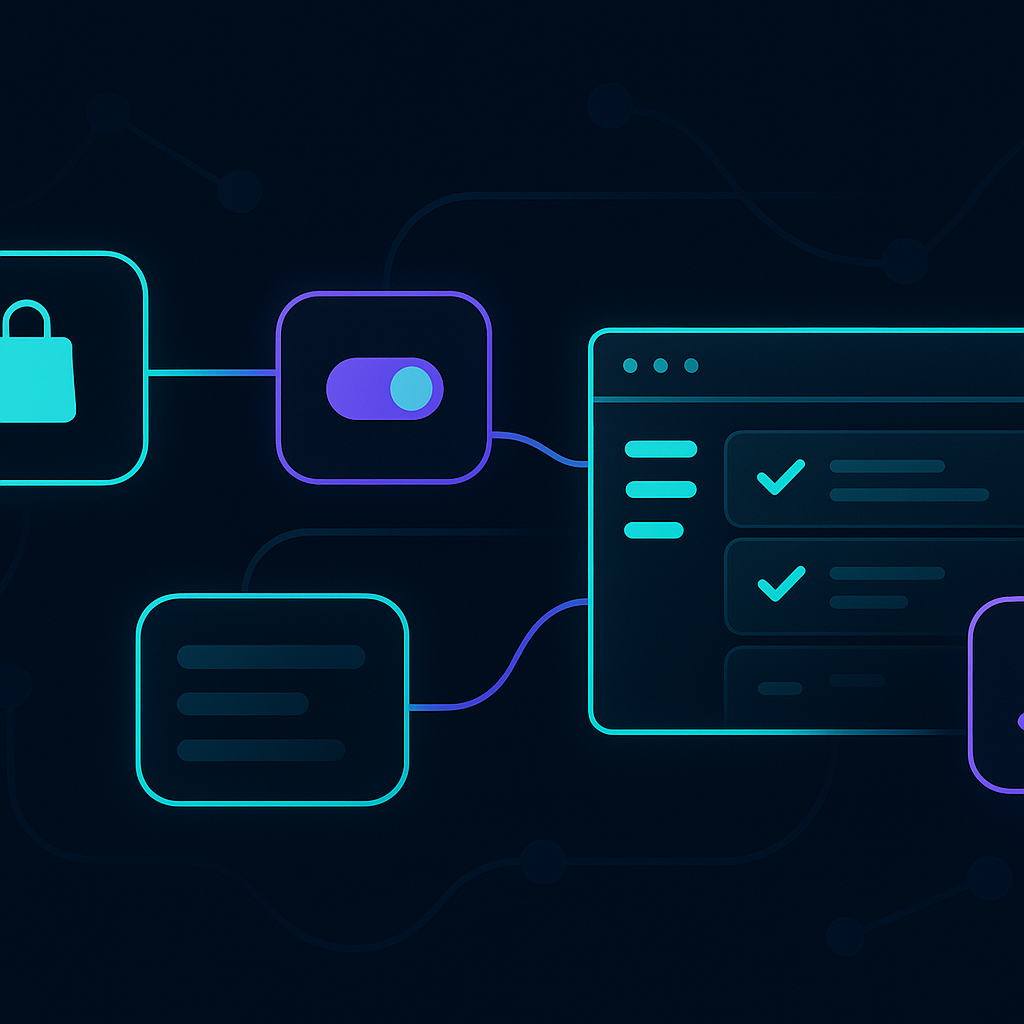
Whole-business automation closes that gap. Instead of a tool that only watches, you connect the watching to the doing:
- A competitor drops their price → your system flags it and drafts a repricing suggestion.
- A rival sells out → your system queues a “back in stock elsewhere? Not here” promotion.
- A sale ends → your alert reminds you to restore your margin.
The difference is that monitoring stops being a task you own and becomes a workflow that runs. That’s the point of automating everything, not just one step.
Start with the small workflow above. Prove it saves you an hour a week and catches one lost sale. Then expand. Competitor monitoring isn’t about obsessing over rivals — it’s about never being the last to know.
Ready to see this working in your business?
See how automation can watch your competitors for you